Free AI Image Detector Online - Check If an Image Is AI-Generated
Use a free AI image detector online to check whether a photo or image is likely AI-generated. Your image stays on your device and is not uploaded.
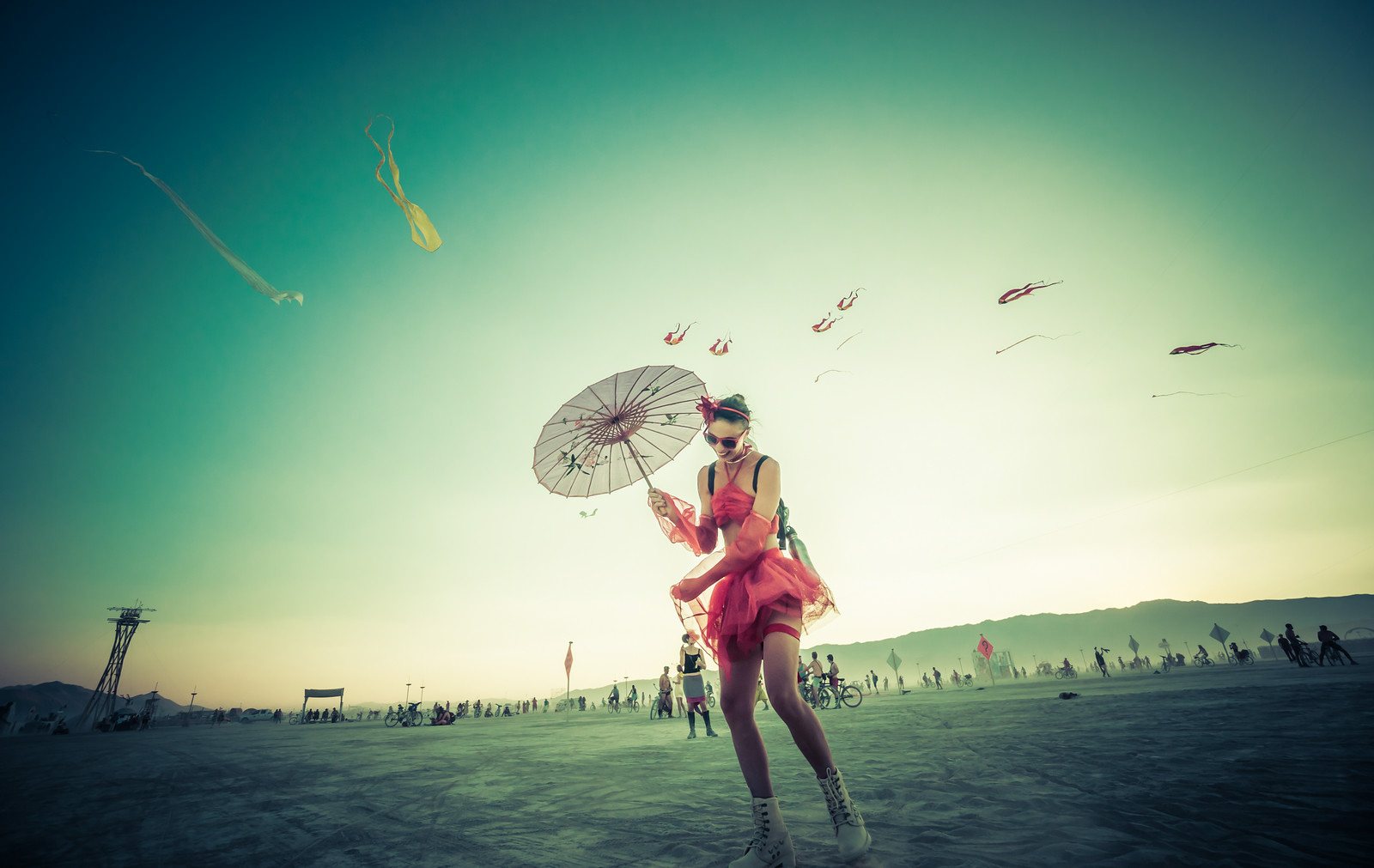 Example
Likely AI-generated
This is a fixed example result. Upload your own image for a live analysis in your browser.
Evidence used
Signals are shown separately so you can judge the result.No C2PA or Content Credentials marker was found. Its absence proves nothing.
No recognizable generator marker was found.
This is a fixed example result. Upload your own image for a live analysis in your browser.
No detector can prove authorship from pixels alone. Use this result as one signal and keep human review for important decisions.
Free AI Image Detector Online
Use this free AI image detector online to check whether a photo or picture was generated by AI. This browser-based AI image checker analyzes visual patterns and available metadata without uploading your image.
How to check if an image is AI-generated
Choose an image
Drop a JPG, PNG, WebP, GIF, or AVIF image, or start with the example.
Wait for local analysis
The detector model is cached in your browser and runs on your device.
Review the probability
Compare the AI probability with the separate visual, metadata, and provenance evidence.
Use human judgment
For publishing, moderation, or legal decisions, verify the source instead of relying on one score.
How does an AI image detector work?
The visual model compares patterns in a resized version of the image with patterns learned from real and AI-generated training images. It can be useful for screening, but generators, edits, screenshots, compression, and new styles can change the result.
Can this prove that a picture was made by AI?
No. A probability score is not proof of authorship. C2PA or Content Credentials can provide stronger provenance when they are present and valid, while missing metadata cannot establish that an image is real.
Which AI image generators can it detect?
The model is a general-purpose baseline trained on the CIFAKE dataset. Performance can vary across Midjourney, DALL·E, Stable Diffusion, Flux, image editors, screenshots, and heavily compressed files. New generators may be missed.
AI image detector FAQ
Is this AI image detector free?
Yes. The detector is free to use, and the image analysis runs locally in your browser.
Is my image uploaded?
No. The free path sends no image to our application server. Your browser downloads the public model files and performs the analysis locally.
What does the AI probability mean?
It is the model's estimated AI-like signal for this image, not a percentage chance that can prove who created it. Scores near the middle should be treated as uncertain.
Why did the result say uncertain?
An AI score above 50% is shown as likely AI-generated, while a real-image score above 50% is shown as likely real. The result is uncertain when the two class scores are close to 50/50. Resizing, compression, filters, screenshots, mixed content, or an unfamiliar generator can push scores toward the middle.
Can I use the result as evidence?
Use it as an initial screening signal only. For high-stakes work, ask for the original file, inspect provenance, compare sources, and involve a qualified reviewer.